

The Internet is Noisy — Your Focus Shouldn’t Be
The web should help us learn, grow, and connect. Instead, it distracts us. Algorithms, ads, and endless feeds make it nearly impossible to hold onto the things that actually matter to you.
Flojourn is the network without the noise.
What is Flojourn?
Flojourn is a digital workspace built for capturing, organising, and sharing information. It combines the ease of a personal journal with the collaborative power of a social network—minus the distractions.
More than just a notebook
Unlike standard note-taking or web-clipping tools, Flojourn is designed from the ground up for seamless collaboration.
You can instantly save rich content—links, text, images, and maps—directly from your browser into distinct, organised journals.
Use it just for yourself or invite others into your space to collaborate on your own terms.
The perfect hub for groups and communities
Whether you are planning a project with friends or organising a club or weekly class, Flojourn provides a single, live point of reference.
It gives your community a beautifully structured home for vital information that is instantly up-to-date, without ever getting buried in the chaotic scroll of group chats or social feeds.
No Downloads — No Friction
-
Works On Any Device
Your friends and community don't need to download a thing — Flojourn runs beautifully in the browser they already use.
-
Instant Access
Journals you share as Public can be viewed by anyone, even without a Flojourn account. Just send them the link.
-
Hassle-Free Sign-In
If you allow selected people to view your Private journals, there is no tedious registration required, they just log into Flojourn with a one-time email passcode or social login.
Club Tier for Classes and Communities
Upgrading to our Club Tier unlocks powerful tools to help you coordinate events and keep people connected
-
Event Management
Flojourn lets you add events to your journal with built-in RSVP tracking, attendance logs, and live calendar syncing (Google Calendar and more).
-
Live Embedding
Drop a journal from Flojourn directly into your existing website to keep it updated automatically with fresh content.
-
Export & Present
Present your journals in Outline mode or export them to PDF, Word, and HTML to use or distribute the content outside of Flojourn.
The Power of Connected Thinking
Automatic Organisation
The basic organisation in Flojourn is to hold different chronological journals for different tasks or topics.
You can add entries to the journals and can search within them.
Complex Organisation
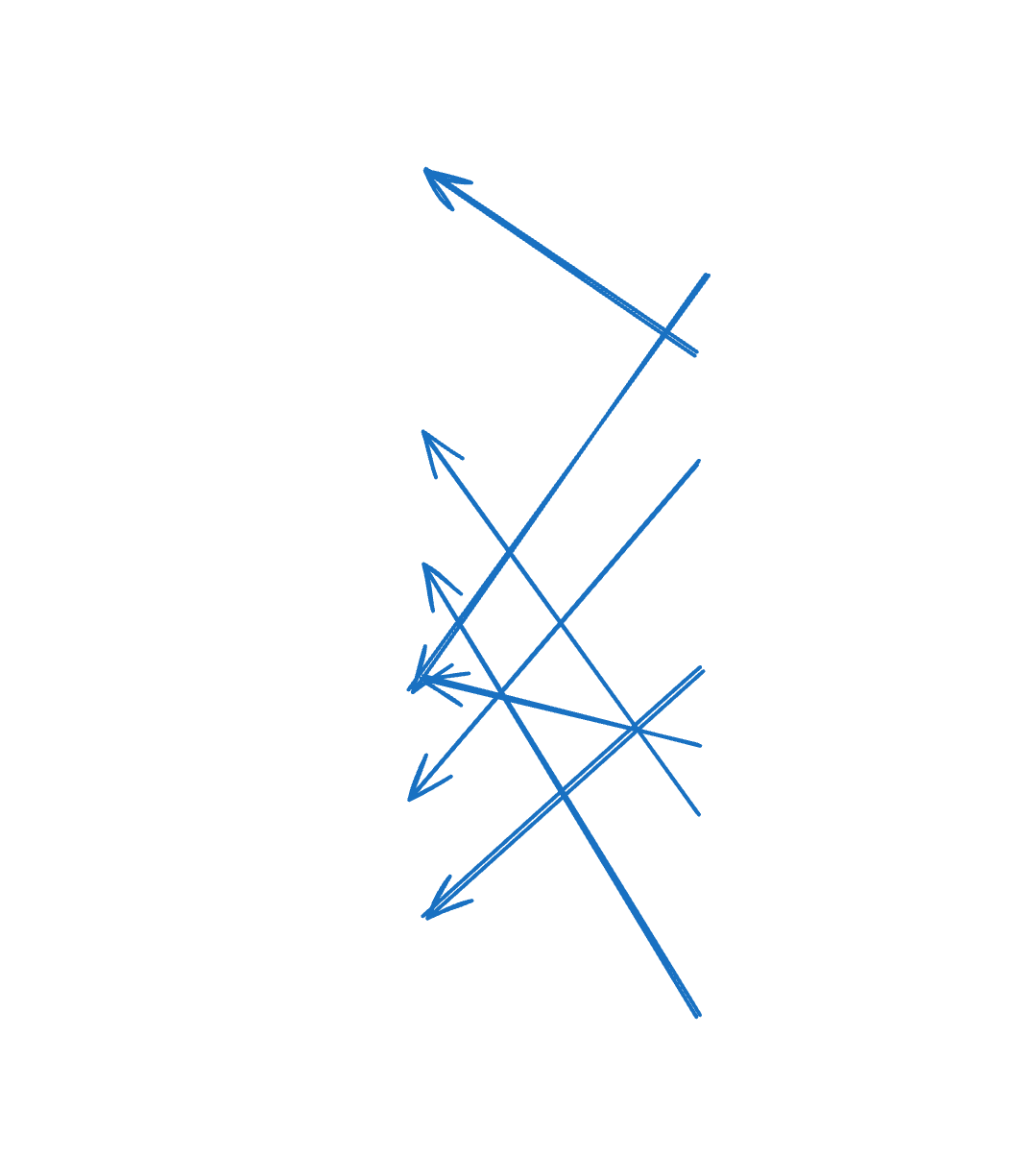
Each entry on every journal can hold an attachments list of other entries.
This allows you to connect related information and make collections.
- Attached entries can be from the same or a different journal.
- Attachments are references not copies so they remain in their original journals.
- You can click on an attachment in the list to see the original entry.
Uses
- Groups entries that belong together
- Create a hierarchy of entries
- Present selected entries from multiple journals in one place
- Navigate quickly to particular entries
No Ads. No Tracking. No Algorithms.
Traditional "Free" platforms are built to steal your time. Flojourn is built to respect it.
When a service is entirely free, you aren't the customer—you're the product. Big Tech tracks your every move to sell your attention to advertisers, using algorithms explicitly designed to keep you addicted and distracted.
Flojourn is different. We offer a generous free tier solely to remove friction for your audience and let you try the platform risk-free. Our business model is transparent: we charge for storage and advanced tools, not your data.
The Antidote to Big Tech Social Media
No Popularity Contests
Flojourn is designed for sharing meaningful information, not chasing clout.
Social media rewards the loudest voices, vanity metrics, and endless showboating.
No Echo Chambers
People follow your journals simply because they find your Flojourn updates helpful and relevant.
There are no manipulative algorithms pushing rage-bait or attention-seeking content.
No Messenger Chaos
Flojourn focuses on structured updates, not instant messaging.
We intentionally leave the rapid-fire chatter to other apps so your important information never gets buried.
Built for Real Life
Curated by You, Not a Feed
While you can explore public journals to find inspiration and see how others use the platform, Flojourn is entirely your space.
You won't find a generic, algorithmically generated homepage here. Your experience is shaped entirely by the journals you choose to build, curate, and collaborate on.
A Place for Everything, on Every Device
Because Flojourn is cloud-based and runs entirely in your web browser, your journals stay perfectly in sync.
Switch seamlessly between your desktop, tablet, and phone—regardless of the operating system—with zero installation or synchronization lag. Your information is always exactly where you need it.
True Connections
By intentionally omitting direct messaging, we keep the digital clutter out. You already have text apps for rapid-fire chatter; Flojourn is the quiet space for the information that matters.
The people you interact with here aren't internet strangers—they are your real-world friends, students, club members, and communities.
Flojourn isn't designed to keep you glued to a screen. It's a tool built to support your real-world passions, projects, and communities
Where to go from here?
-
Get Started
You can try Flojourn for free and no commitment for as long as you like. Sometimes just experimenting is the best way to understand something.
Try Flojourn -
Scenarios
Have a look at the scenarios section which shows different ways people might user Flojourn. This may give you an idea of how it might be useful for you.
View Scenarios -
Features
Our features section looks at different aspects of Flojourn giving a high level understanding of what it does and how. Think concepts rather than user manual or sales pitch.
View Features